How to put your LinkedIn URL on a resume (and why the address should be visible)
· 6 min read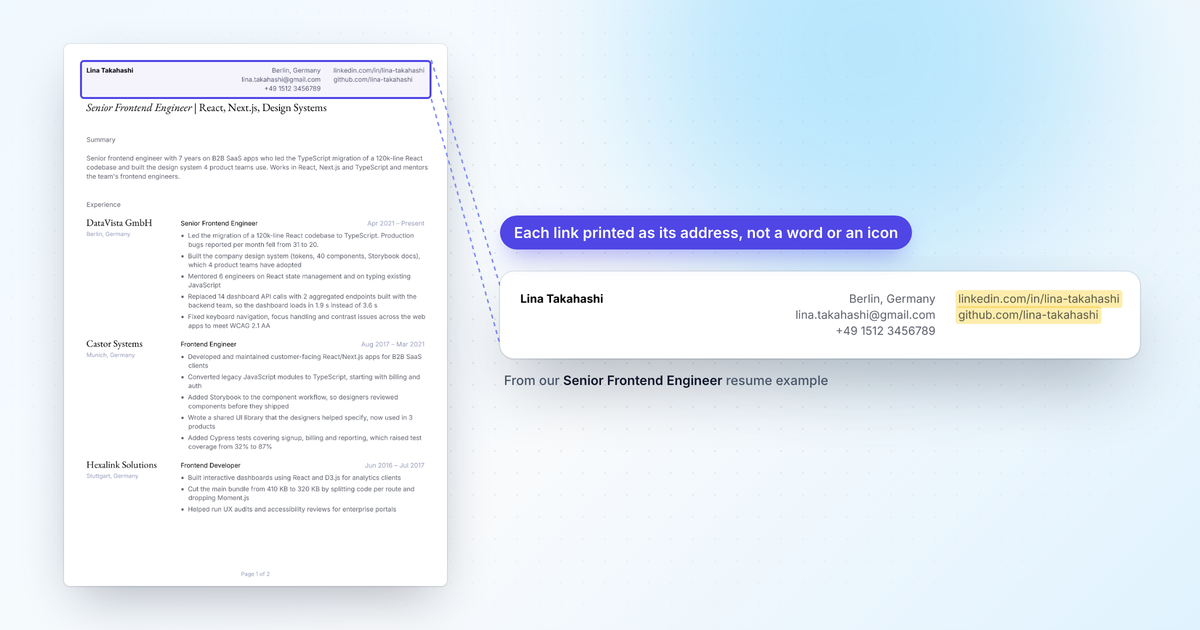
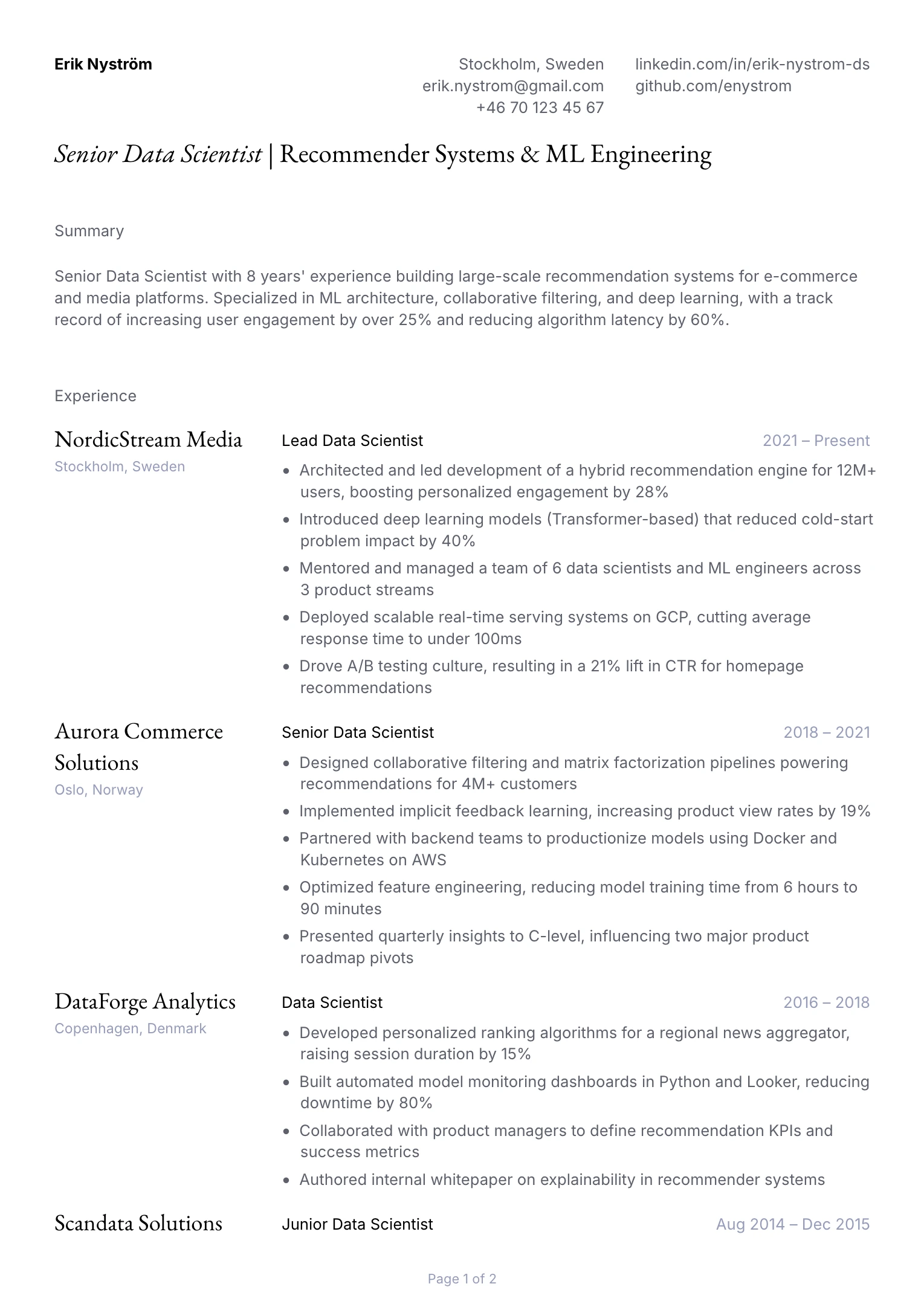
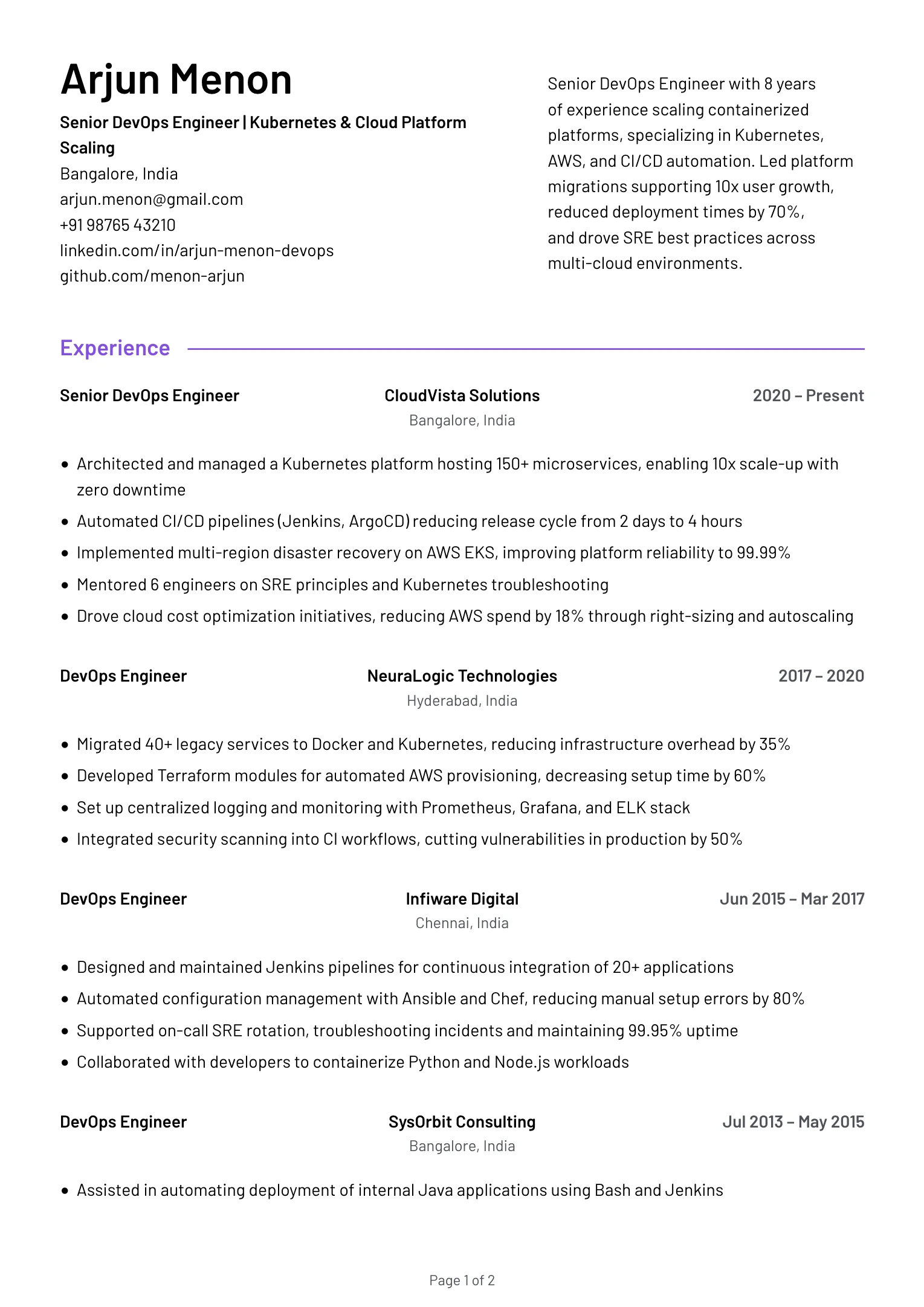
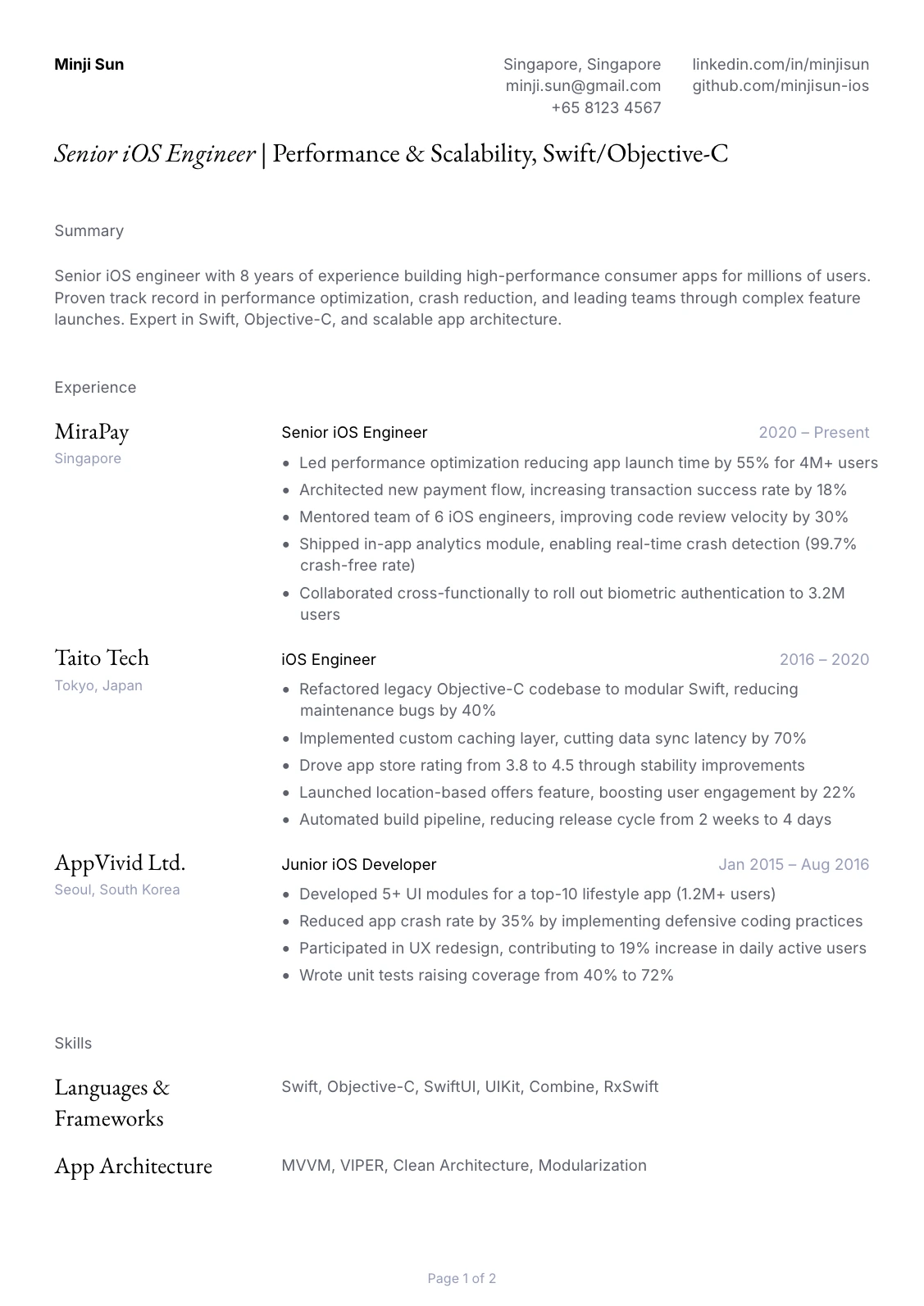
Put your LinkedIn URL in the contact block at the top of your resume, written out as the address: linkedin.com/in/yourname. Leave out https://, www and anything after a ?. You can still make it clickable, but the visible text should be the address itself, not the word "LinkedIn" and not an icon on its own.
GitHub and portfolio links work the same way. Software that reads your PDF sees what is printed on the page, so the last section shows how to check exactly that.
Print the full address
A link in a PDF has two parts. One is the text you see on the page. The other is the target address, which is stored separately and only used when someone clicks. A resume that shows the word "LinkedIn" with a link behind it has the address in the second part only.
Plenty of things that handle your resume keep only the first part. Text extraction, which resume parsers and AI tools start from, reads what is printed on the page. So does a recruiter who copies your details into an applicant tracking system, a hiring manager who prints the PDF, and anyone who forwards your profile in a plain-text email. For all of them, "LinkedIn" is a word with no address. Some systems do read the stored link targets, but you cannot tell which kind will get your file.
Before (what a parser reads when the addresses are only behind the words)
Berlin, Germany
[email protected]
GitHub
After
Berlin, Germany
[email protected]
linkedin.com/in/lina-takahashi
github.com/lina-takahashi
We recommend keeping the link as well. Make the printed address itself the clickable text, so a person reading on screen can click it and software that only reads text still gets the full address.
Icons need the address beside them
A small LinkedIn or GitHub logo before the address does no harm, because the address is still there as text.
A header with only the logos is different. A logo drawn as an image or as a vector shape has no text at all, so extraction returns nothing for it. A logo from an icon font is a character, usually in Unicode's Private Use Area, which has no standard meaning: extraction returns a symbol that means nothing outside that font, or drops it, and in neither case does the reader get your profile.
Before (icons only)
[in icon] [GitHub icon] [globe icon]
After
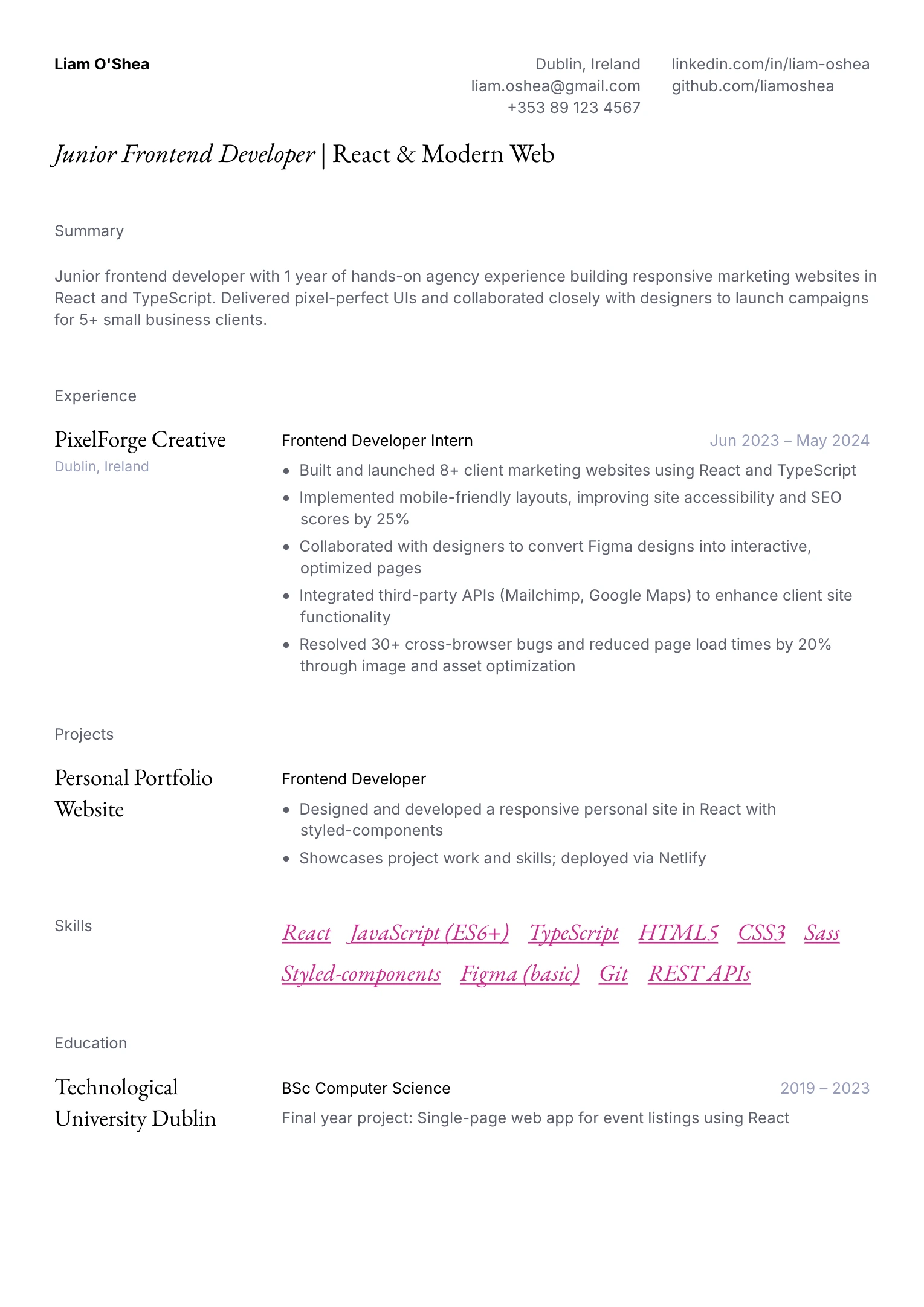
linkedin.com/in/liam-oshea
github.com/liamoshea
The second version is from our junior frontend developer example, which has no icons at all.
How to shorten your LinkedIn URL
The URL your browser shows is longer than what belongs on a resume. Copied from the address bar or the share menu, it often looks like the first line below. Remove the protocol, the www, the trailing slash and everything from the ?:
Copied
https://www.linkedin.com/in/lina-takahashi-4b7a9120/?originalSubdomain=de
Trimmed
linkedin.com/in/lina-takahashi-4b7a9120
Parameters such as ?trk= and ?originalSubdomain= are tracking or redirect details. The profile opens the same without them.
The -4b7a9120 at the end is different: it is part of the profile's address, and removing it gives a URL that may not be yours. To get rid of it, set a custom URL. On desktop, open your profile, choose "Public profile & URL", and edit the custom URL. In the mobile app, the setting is under your profile's contact info. LinkedIn's help page lists the rules:
- 3 to 100 characters, with no spaces or symbols, and it cannot contain the word "LinkedIn". Custom URLs with hyphens, like the ones in this post, are common.
- Capitals make no difference:
Lina-Takahashiandlina-takahashiare the same URL. - First come, first served. If your name is taken, add a middle initial or your field, such as
lina-takahashi-dev. - You can change it up to five times in six months.
While you are on that settings page, check that your public profile is visible. A recruiter who is not signed in to LinkedIn only sees what you make public there.
If you change your URL after sending resumes, your old one stays linked to you for six months, or until you unlink it. After that, another member can claim it, and an old resume could send people to a stranger's profile. Update everywhere the old URL appears on the day you change it.
GitHub, portfolio and other links
Print GitHub and portfolio links as addresses too, and keep them short.
For GitHub, link your profile page. A profile with a few pinned repositories and a clear README says more than four repository links squeezed into a header. If one project is the reason to look, put its repository under that project instead, where the context is.
Before
https://github.com/daanvisser?tab=repositories
https://github.com/daanvisser/flow-runner
https://github.com/daanvisser/pg-queue
After
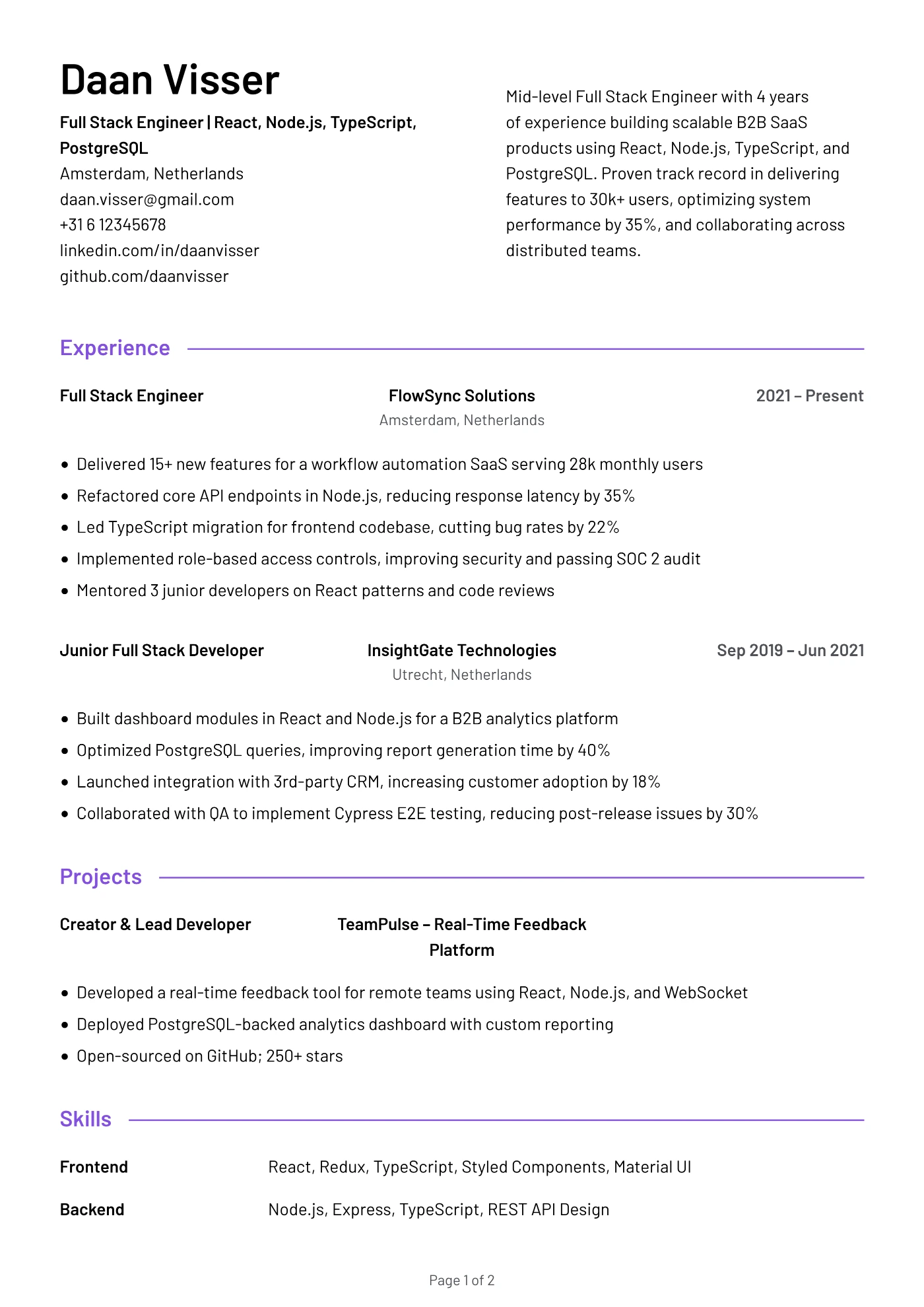
github.com/daanvisser
That shorter version matches the header of our mid-level full stack engineer example, which lists LinkedIn and GitHub and nothing else.
A portfolio on your own domain, such as yourname.dev, prints better than a long hosting-platform URL. iOS and Android developers can link an App Store or Play Store listing under the project it belongs to, rather than in the header.
We recommend two links in the header, three at most. Each extra one adds a line to the part of the page every reader sees first.
Where contact details go
Put them in the body of the first page, at the top, next to your name. If you send a Word file, keep them out of the separate header and footer areas that Word offers: in a .docx those are stored apart from the main text, and a parser that reads only the main text misses them. In an exported PDF they become ordinary text on the page, but they repeat on every page.
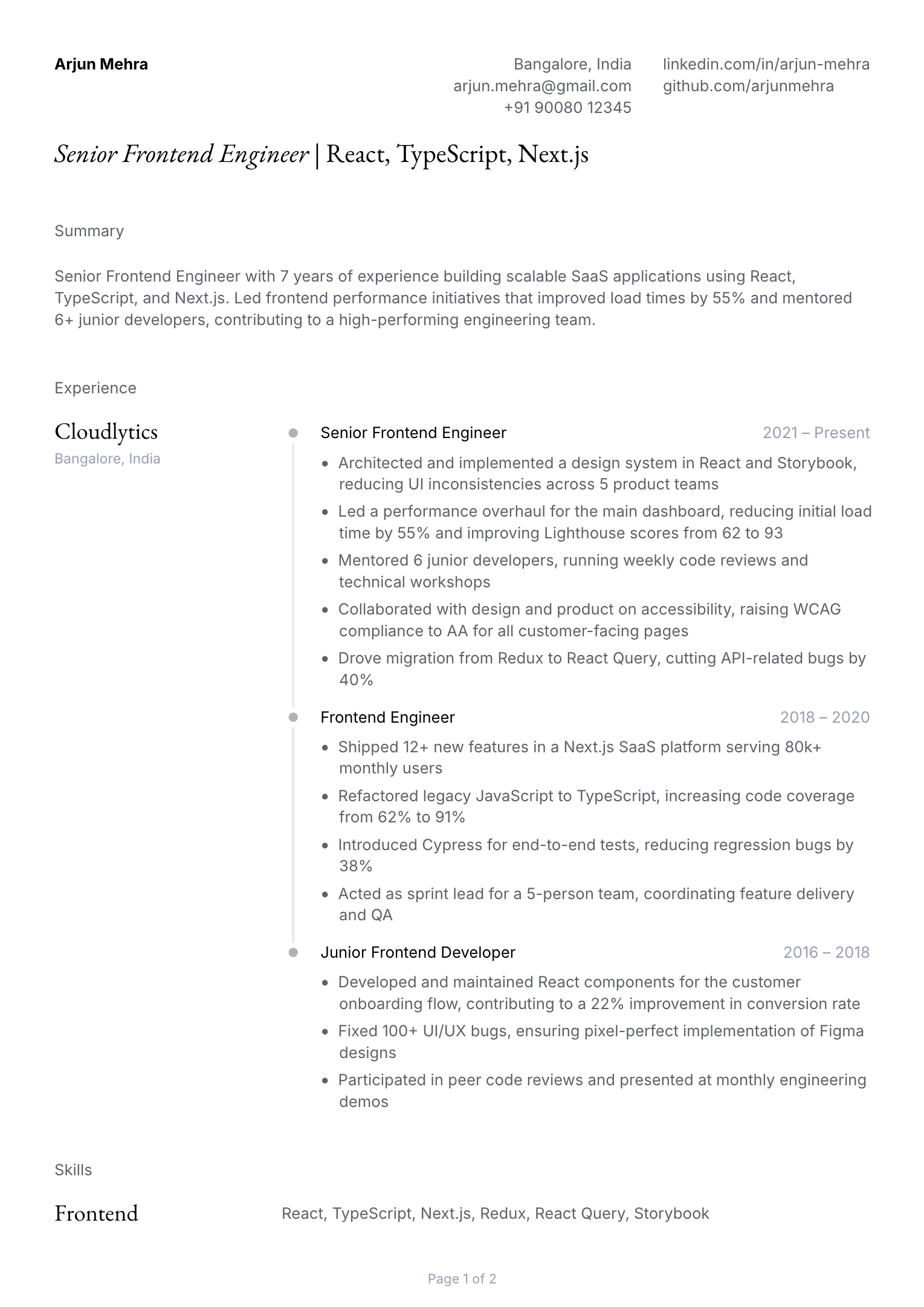
Text extraction reads the header of our senior frontend engineer example like this:
Lina Takahashi
Berlin, Germany
[email protected]
+49 1512 3456789
linkedin.com/in/lina-takahashi
github.com/lina-takahashi
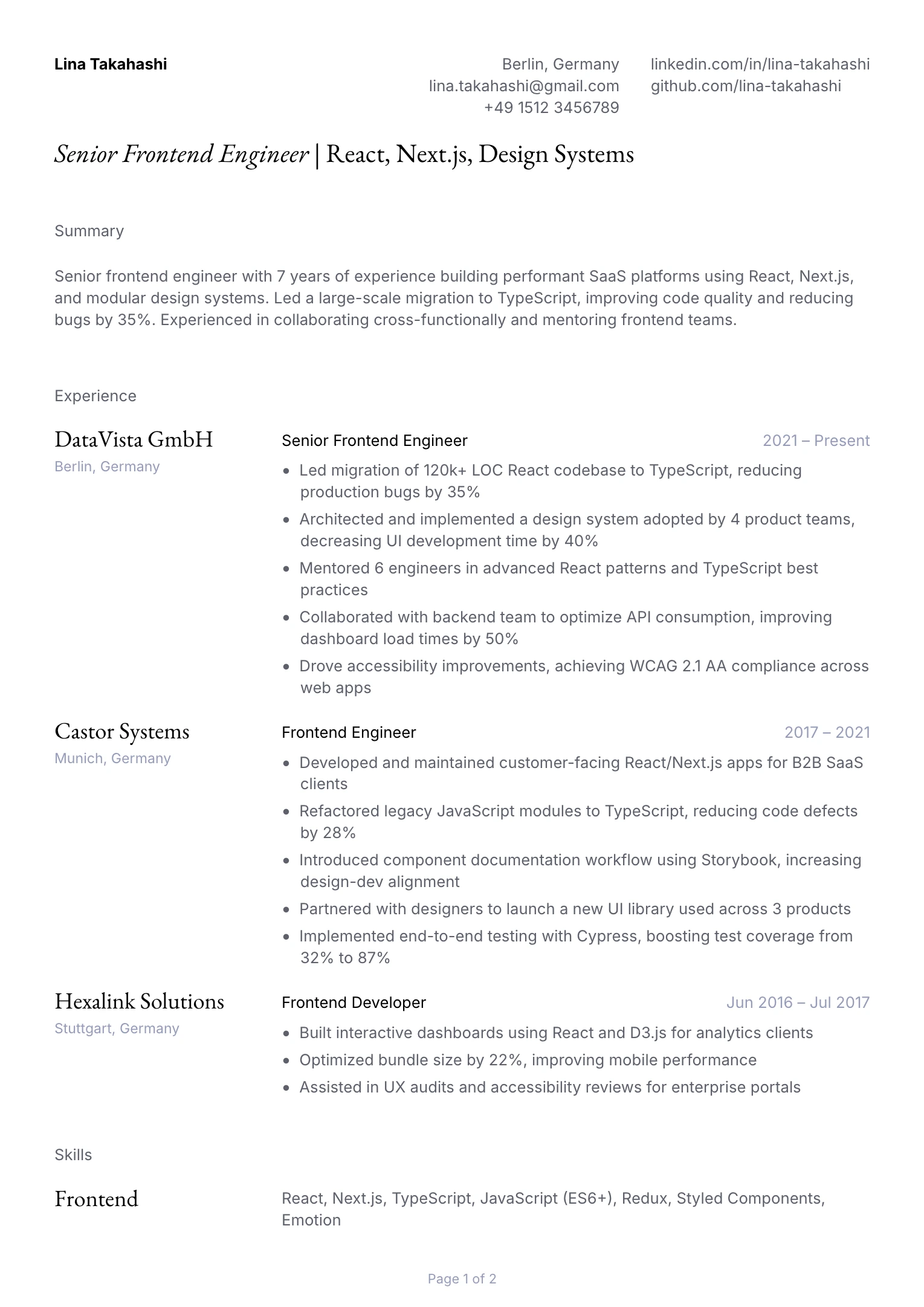
Senior Frontend Engineer Resume Example
the contact block next to the name, with both links printed as addresses
View the full example
For an international search, write the phone number with its country code, as above. If you are open to remote work or relocating, the location line is a good place to say so, in a few words:
Berlin, Germany · Open to remote (EU time zones)
Long links that do not fit on one line
A long address in a narrow column has to go somewhere. Some layouts cut it off with "…", which leaves a partial address in the text and makes the link useless to anyone who cannot click it. We recommend wrapping, because it keeps every character.
Where it wraps matters too. Text extraction sometimes joins a line that ends in a hyphen to the next line and removes the hyphen, because it looks like a word that was split. If github.com/lina-takahashi/design-tokens wraps after design-, the extracted address can come back as designtokens. A break after a slash, or just before a hyphen, is safer.
If an address does not fit in your contact column, link your profile instead of a deep link, or use a custom LinkedIn URL.
In Filiz you paste the full URL, and the PDF prints it as the address, such as linkedin.com/in/lina-takahashi. A long link wraps at a slash or before a hyphen instead of being cut off.
Check your PDF in a minute
Open your exported PDF, select all, copy, and paste into a plain text editor. Then look at the contact lines:
- Each address is complete, with nothing cut off or replaced by "…".
- No line says only "LinkedIn", "GitHub" or "Portfolio".
- No stray symbols where your icons were.
- An address that wrapped is still whole when you join the lines.
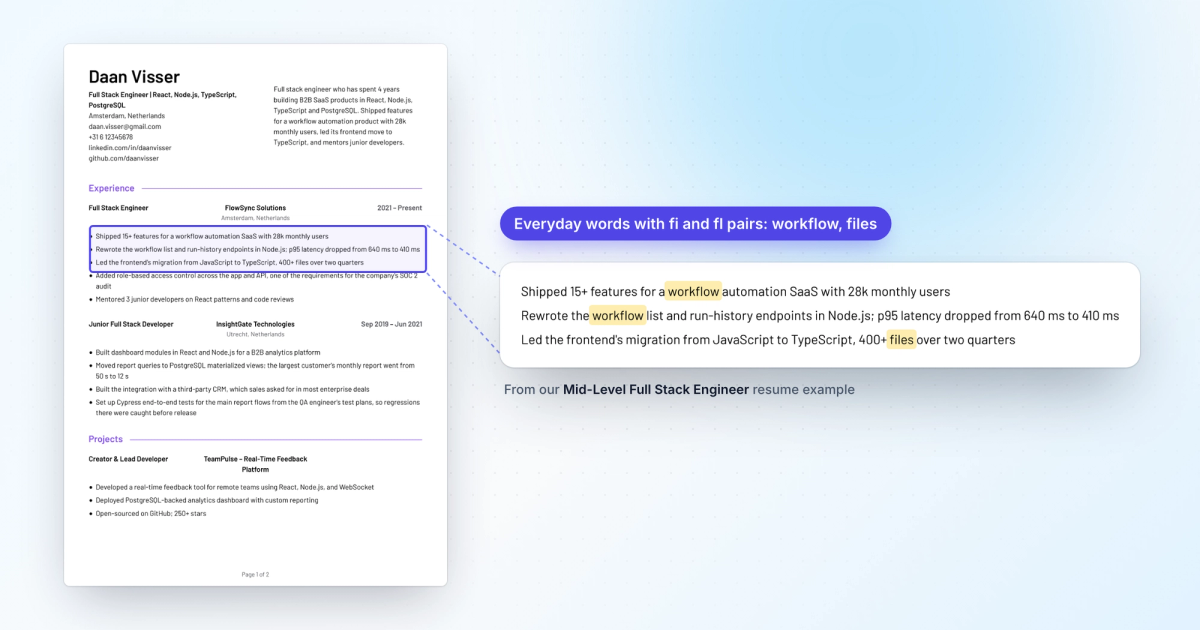
If you have Poppler installed, pdftotext resume.pdf - gives you the same text from the command line. While you have the output open, check words with "fi" and "fl" as well. Some PDFs lose those letters when they are read, which our post on missing fi and fl explains.
Put it into practice
Build your resume in Filiz and watch the PDF update as you edit. Start from scratch, import your current resume, or begin with an example. No sign-up needed to try it.
Frequently asked questions
How do I make the address clickable in Word or Google Docs?
Select the printed address and press Ctrl+K (Cmd+K on a Mac), then paste the full URL, starting with https://, as the link target. The visible text stays short, and the link still opens in every viewer.
Do I need a "LinkedIn:" label before the URL?
No. An address that starts with linkedin.com/in/ already says what it is, and the label takes space in a header that is usually tight. A label is fine if you prefer it, but use it for every item or for none.
What do I paste when an application form asks for my LinkedIn URL?
The full address, starting with https://. Form fields are read by software that may expect a complete URL, and the extra characters take no space there.
Should I include LinkedIn if my profile is thin?
Yes, as long as it shows your current role and the same titles and dates as your resume. If the profile contradicts your resume, fix the profile before you send the resume.
Can I use a QR code instead of the link?
Only in addition to the printed address. A QR code is an image, so text extraction reads nothing from it, and someone reading on a laptop has to pick up a phone to scan it.